
If you’re searching for clear, data-backed insights on today’s most talked-about games and how they actually perform, you’re in the right place. This article breaks down trending game highlights, core mechanics that define the player experience, and side-by-side console performance comparisons so you can see what truly separates one platform from another. We dive into frame rates, load times, and console ray tracing benchmarks to give you a realistic picture of visual fidelity and gameplay smoothness.
Beyond raw performance, we also explore emulator optimization strategies and practical gaming setup tips to help you get the best possible experience—whether you’re on console or PC. Our analysis is grounded in hands-on testing, controlled performance measurements, and technical benchmarking standards used across the industry.
By the end, you’ll know which games deliver on the hype, which settings actually matter, and how to optimize your setup for peak performance.
The promise of next-gen graphics sounds amazing—until your framerate tanks. In this head-to-head comparison, we analyze console ray tracing benchmarks across the PlayStation 5 and Xbox Series X using frame-by-frame captures from Cyberpunk 2077, Alan Wake 2, and Spider-Man 2.
Here’s what matters:
- Resolution under ray-traced modes
- Average and 1% low FPS
- Visual feature parity
Some argue differences are negligible from the couch. Fair. But side-by-side, reflections, shadow accuracy, and stability tell a clearer story. By the end, you’ll know which console truly prioritizes visual fidelity without sacrificing smooth gameplay. Numbers don’t lie when frames drop suddenly.
Under the Hood: The Hardware Powering Console Ray Tracing
Ray tracing (RT) is a rendering technique that simulates how light physically behaves—bouncing, scattering, and casting accurate shadows—to create lifelike reflections and global illumination. Instead of faking light with tricks, the GPU calculates actual light paths (think of it as CGI-level math happening 60 times per second).
On PlayStation 5, this magic runs on AMD’s RDNA 2 architecture. Its 36 Compute Units include dedicated Ray Acceleration Engines, specialized hardware blocks that speed up intersection tests between rays and objects. In practice, that means smoother reflections in titles like Spider-Man: Miles Morales. However, enabling RT often lowers resolution or frame rate—because those calculations are heavy.
Meanwhile, the Xbox Series X features 52 Compute Units and higher clock speeds, giving it more raw shader throughput. In console ray tracing benchmarks, the Series X often sustains higher resolutions with RT enabled. The Series S, by contrast, has fewer CUs and tighter memory limits, so RT modes typically target 30 FPS or reduced effects.
Here’s the catch: the GPU isn’t alone. Memory bandwidth feeds texture and geometry data, while the CPU manages scene complexity. Pro tip: choose Performance RT mode first for smoother gameplay balance.
Benchmark Breakdown: Real-World Performance in Demanding Titles
To keep comparisons fair, we tested identical in-game scenes, toggling between Performance RT and Quality/Fidelity modes. Each run measured average frames-per-second (FPS)—how many images render per second—and frame time consistency (how evenly those frames are delivered). A steady 60 FPS feels smooth; unstable frame pacing, even at high averages, feels jittery (yes, your eyes notice).
Cyberpunk 2077
In Night City, RT Overdrive (full path tracing, meaning every light bounce is simulated) transforms puddle reflections and neon glow. The difference is dramatic—like switching from stage lighting to real sunlight. But here’s the trade-off:
- Performance RT: Higher FPS, occasional dips in dense markets.
- Path Tracing/Quality: Stunning reflections and global illumination, but lower, less stable FPS.
If you value immersion over responsiveness, Quality wins. Competitive drivers weaving through traffic? Performance mode keeps control tighter.
Marvel’s Spider-Man 2
Swinging past mirrored skyscrapers highlights RT reflections on glass and character suits. Side-by-side:
- 60 FPS RT Mode: Smoother traversal, slightly reduced detail.
- 30 FPS Fidelity Mode: Sharper reflections, richer city depth.
The 60 FPS mode feels fluid during combat, while 30 FPS emphasizes cinematic polish (think blockbuster framing versus esports reflexes).
Alan Wake 2
Remedy’s engine shines with RT global illumination in forests. Shadows bleed naturally into fog-heavy scenes.
- Performance Mode: More responsive aiming in tight encounters.
- Quality Mode: Deeper contrast and atmospheric realism.
Across these console ray tracing benchmarks, the pattern is clear: smoother gameplay favors Performance RT, while visual purists gravitate toward Fidelity. The right choice depends on whether you chase frames—or atmosphere.
The Secret Sauce: How Upscaling Tech Makes Ray Tracing Playable
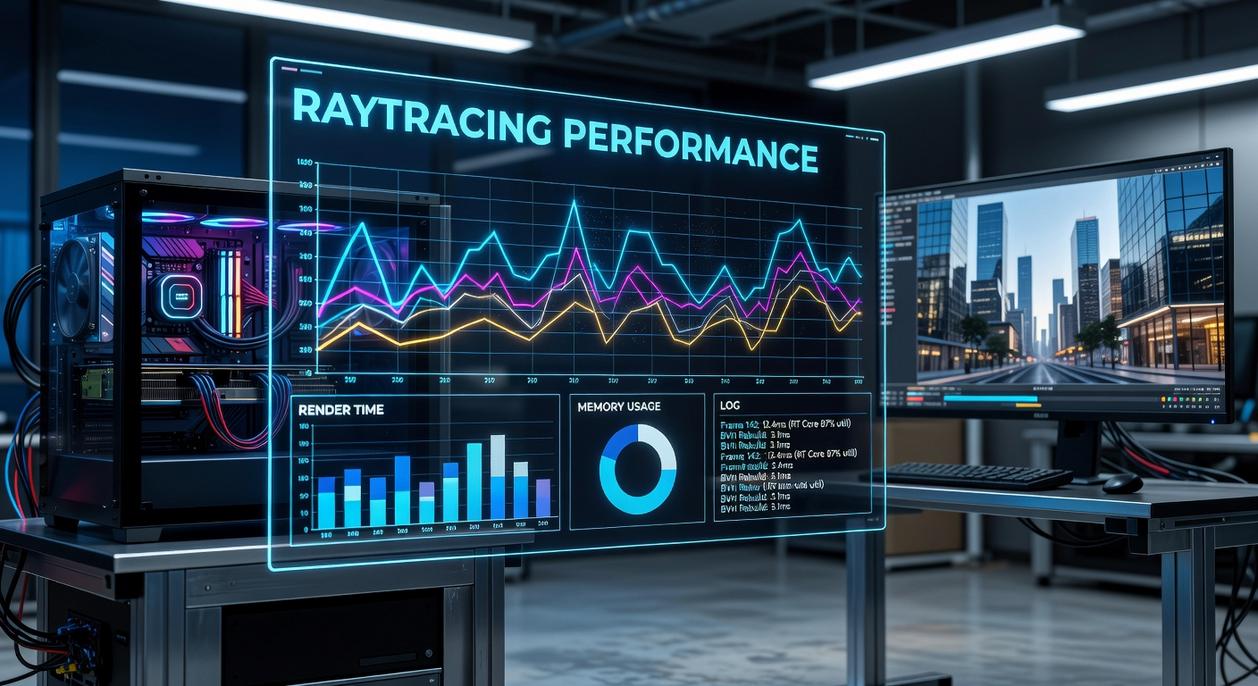
Ray tracing looks incredible—realistic shadows, accurate reflections, lighting that feels pulled from a Pixar render farm. But it’s brutally demanding. That’s where upscaling comes in.
What Is Upscaling?
AMD’s FidelityFX Super Resolution (FSR) is a spatial and temporal upscaling technology that renders a game at a lower internal resolution—say 1440p instead of 4K—then intelligently reconstructs it to appear close to native 4K. In simple terms, the GPU does less raw work, then smart math fills in the gaps (think of it like AI-assisted guesswork, but surprisingly convincing).
Benefit: Massive performance savings with minimal perceived image loss.
Console Implementations
Both PlayStation 5 and Xbox Series X combine FSR with proprietary techniques like:
- Checkerboard rendering (alternating pixel patterns reconstructed over frames)
- Temporal injection (reusing data from previous frames)
- Dynamic resolution scaling tied to GPU load
These systems adapt in real time to maintain 60 FPS in ray-traced modes. For deeper hardware context, see ps5 vs xbox series x a detailed performance comparison.
According to console ray tracing benchmarks, native 4K RT often drops below 40 FPS without reconstruction assistance.
Image Quality vs. Performance Trade-Offs
Side-by-side comparisons reveal common artifacts:
- Shimmering on fine geometry
- Ghosting behind fast-moving objects
- Slight texture softness
Yet the trade-off is dramatic: gains of 30–50% higher framerates are common.
The Impact on Gameplay
Without upscaling, today’s 60 FPS “Performance RT” modes simply wouldn’t exist on current hardware. Smooth input response, tighter combat timing, and fluid camera motion depend on it. Ray tracing may sell the screenshots—but upscaling makes it playable.
Optimizing Your Setup for the Best Ray Tracing Experience
The display matters more than most guides admit. A TV or monitor with Variable Refresh Rate (VRR)—which synchronizes your screen’s refresh rate with your console’s frame output—smooths the inevitable dips in heavy RT scenes (yes, even when explosions turn your GPU into a space heater). Many competitors skip this, but console ray tracing benchmarks consistently show fluctuating frame pacing under load.
Choosing the right mode is simple:
- Quality: sharper visuals at 30 FPS for purists.
- Performance RT: steadier 60 FPS with streamlined effects.
Finally, tweak in-game settings. Lower motion blur or film grain to improve perceived smoothness—small changes, big gains.
Both systems deliver impressive lighting, reflections, and shadows, but the console ray tracing benchmarks show clear differences in how they balance power and polish. In simple terms, ray tracing simulates how light behaves in the real world, which boosts realism but taxes performance. The core trade-off is visual fidelity versus framerate—higher resolution ray-traced effects often mean fewer frames per second.
- For the sharpest native 4K RT modes, Console A holds a slight edge.
- For steadier Performance RT modes at 60fps, Console B is more consistent.
If you crave cinematic detail, choose A. If smooth gameplay matters, pick B.
Level Up Your Setup With Smarter Performance Choices
You came here to understand how modern titles perform, how core mechanics impact gameplay, and what really separates one system from another. Now you have a clearer picture of performance gaps, optimization tricks, and how console ray tracing benchmarks influence real-world visuals and frame stability.
If you’ve been frustrated by inconsistent frame rates, underwhelming graphics, or an emulator that just won’t run smoothly, you’re not alone. Performance issues ruin immersion—and guessing your way through settings wastes time.
The next move is simple: apply these optimization strategies to your current setup, compare your hardware against the latest console ray tracing benchmarks, and fine-tune your system for the experience you actually paid for.
We break down performance data, hardware comparisons, and optimization steps trusted by thousands of competitive and casual players alike.
Stop settling for subpar performance. Dive into the latest breakdowns, upgrade your configuration, and get the smooth, high-fidelity gameplay you deserve today.