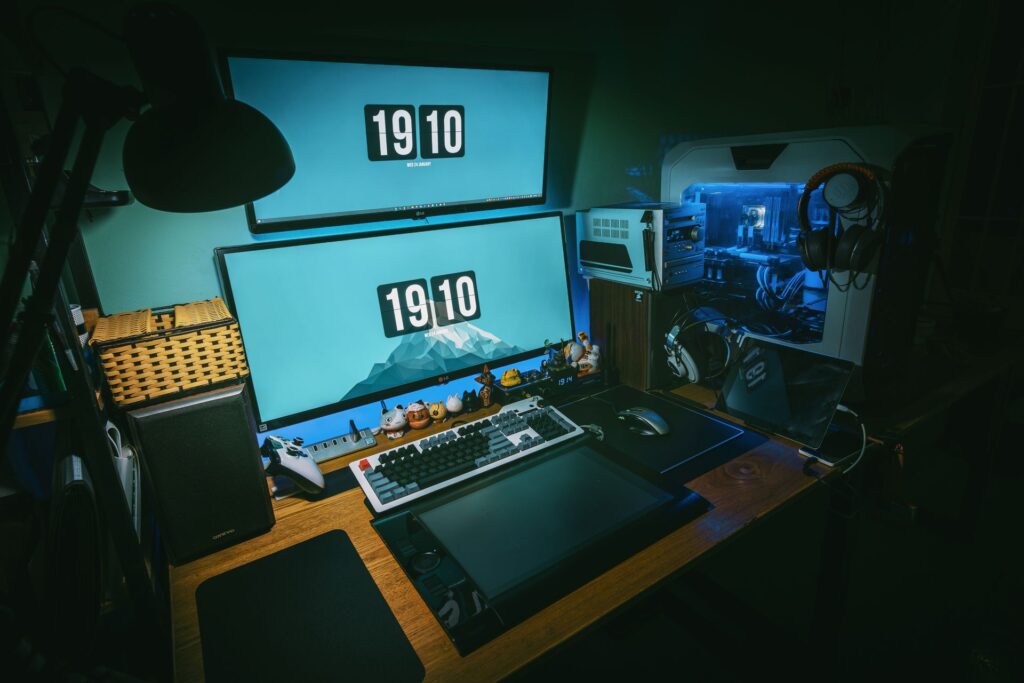

Ever feel like you’re in a losing battle against the tangled mess of cables under your desk? It’s not just an eyesore. Those pesky cords can ruin your gaming session by snagging your mouse at the worst moment.
They choke your system’s airflow and make upgrades a nightmare. I’ve built and optimized countless gaming rigs (trust me, cable management isn’t optional). Gaming desk cable management is important for turning your setup from chaotic to pro-level. This guide promises to help you transform any desk into an elite battlestation without breaking the bank.
Ready to organize like a pro?
Cable Chaos: A Gamer’s Silent Enemy
Ever lost a game because your mouse cord snagged at the worst moment? It’s not just you. Gaming desk cable management isn’t just about looking clean (it’s) winning. When cords are tangled, they’re like tripwires waiting to ruin your streak.
A cluttered desk can obstruct airflow too. With temperatures rising faster than your CPU clock, expect potential thermal throttling. That means lower frame rates when it matters most.
No one wants that.
Proper cable management isn’t just for aesthetics or airflow. It also boosts hardware longevity. Those tangled cords put unnecessary strain on ports and cables, making them wear out faster.
Imagine needing to swap a GPU or add an SSD. A clean setup cuts that job from a tedious hour to a simple five minutes. Next-level gaming means optimizing every element.
Even audio matters (just) check out Optimizing Audio Immersive Gameplay. Don’t just play (play) smart.
The Cable Management Arsenal: Important Gear for Every Operator
So you’re staring at the rat’s nest of cables behind your desk and thinking, “This can’t be good.” Right? You need a plan. Cable management isn’t just tidying up; it’s about efficiency and aesthetics.
Let’s start with Tier 1: The Rookie Kit. If you’re on a budget, Velcro ties are your best friend. They’re reusable (unlike zip ties) and don’t choke your cables.
Adhesive cable clips help pin down those snaky lines. And here’s a pro tip: bread ties. They’re free, but they aren’t pretty.
Use them if you’re in a pinch. It’s not just about saving cash. It’s about making things work.
Now, on to Tier 2: The Veteran’s Loadout. You’re upgrading, so try cable sleeves. They bundle multiple wires into clean tubes, giving that sleek look.
Under-desk cable raceways? These are the real game-changer, especially J-channels and trays. They hide power strips and excess cable.
Imagine the difference it makes when you’re not tripping over cords.
Finally, Tier 3: The Elite’s Gear. This is where the magic happens. Magnetic cable management systems keep your desk uncluttered.
No more reaching for that hard to find charging cable. Custom-sleeved PSU cables come next. They’re pricey, but they give your PC setup a jaw-dropping look.
And don’t forget mouse bungees. They let you enjoy a wired mouse with a wireless feel.
Want more takeaways? Dive deeper into gaming desk cable management made easy. It’s a treasure trove of tips for anyone wanting a slick setup.
There you have it. From the penny-pincher to the high-end enthusiast, managing your cables is a game of patience and precision. Choose your gear wisely, and enjoy a clutter-free, functional workspace that’s a joy to be around.
Total Cable Domination: Your 5-Step Battle Plan
You know what drives me crazy? A cluttered mess of cables under my desk. It’s like a digital jungle down there.
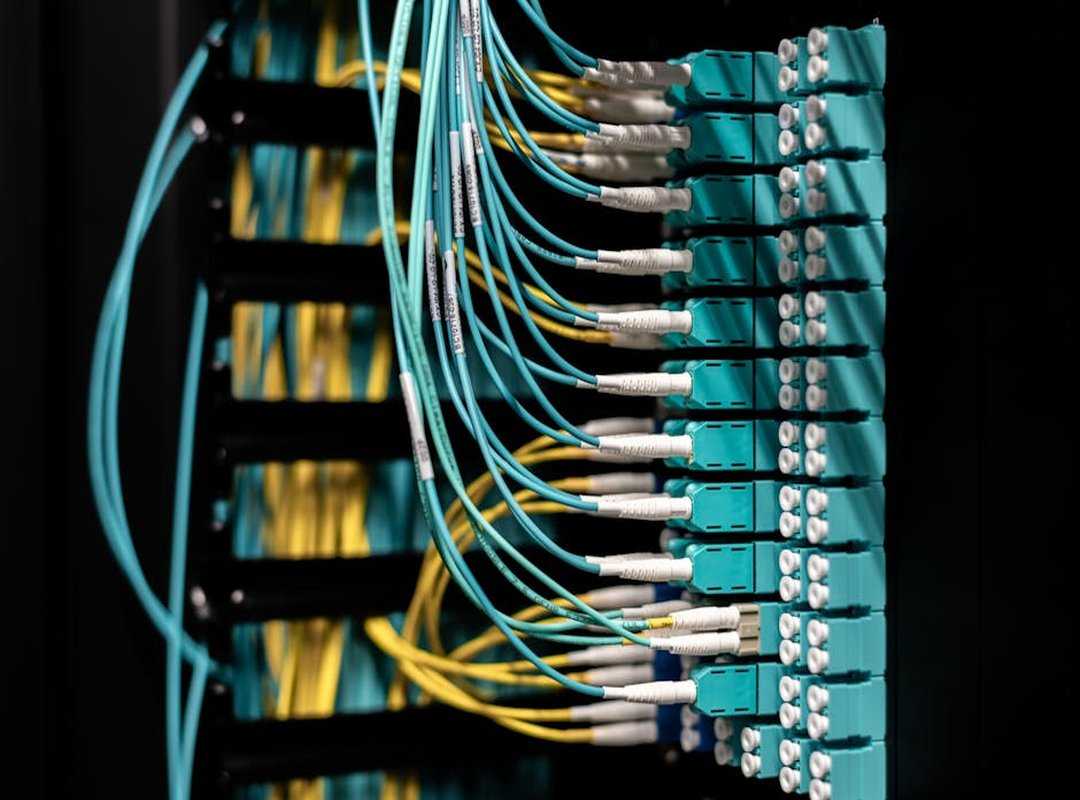
Let’s conquer it.
Step 1: The Teardown & Sort. First, unplug everything. All of it. Don’t cheat yourself by leaving some cords in. Group them by function. Power with power, display with display. You get it. This is your foundation.
Step 2: Establish Your Core Command. Time to mount that power strip. Pick a spot under your desk, towards the back. Out of sight, out of mind. Use heavy-duty adhesive strips or screws. This is your mission control. Everything else connects here.
Step 3: Plot the Supply Lines. Think like a circuit board designer (or at least try). Plan the shortest path for each cable group. Less is more, and less visible is even better. No more spaghetti wires dangling around. You’re organizing a digital symphony.
Step 4: Route, Bundle, & Secure. This is the execution phase. Take those cable bundles and run them through raceways or sleeves. Use Velcro ties at key points to keep them tight. Loose cables are a nightmare. Keep them in check.
Step 5: Final Polish & On-Desk Management. Time to deal with the visible stuff. Manage your keyboard and mouse cable slack. Route headset and microphone cables neatly. Make it look professional. Your gaming setup should be ready for streaming or just looking good for guests.
Here’s a pro tip: invest in some cable management clips. They’re a lifesaver when it comes to on-desk cables. You’ll thank me later.
For those who want more perfection, check out the important tools perfect gaming setup. It’s a treasure trove of gaming desk cable management tips.
Does this sound over-the-top? Maybe, but a clean setup is worth it. Besides, you’ve got better things to do than crawl under your desk every time a cable gets tangled up.
Gaming’s about the experience, not the hassle. So, are you ready to dominate your cables?
Elite Desk Setups: Cables Under Control
When you’re aiming for an elite setup, cable management can be a nightmare. You know it. I know it.
Let’s tame that sit-stand desk. Those adjustable heights are great until you realize your cables are a tangled mess (and who wants that?). You need flexible cable spines or at least some slack bundled and secured neatly to the desk’s underside.
It’s the only way to keep things moving smoothly without snagging.
Now, let’s talk about integrating multi-system setups. You’ve got your PC and a PS5 or Xbox at the same desk? Good luck with the wires.
The trick is using a single power solution. Route those HDMI and power cables for consoles cleanly to avoid creating a second mess. Trust me, you don’t want to look under your desk and see another jungle.
Don’t get me started on RGB and fan controller wires. They’re a nightmare. But here’s the tip: Route and hide fan hubs and RGB controllers inside the PC case and connect them externally with minimal visibility.
You don’t want those wires ruining your aesthetic.
And then there’s the wireless fallacy. Even your so-called “wireless” setups still need charging docks. Create clean, accessible charging stations for headsets, mice, and controllers.
You’ll thank yourself when you can actually find what you need without tripping over cords.
Gaming desk cable management isn’t just about hiding wires. It’s about freedom. Freedom to move, game, and create without getting tangled up.
So, ready to untangle?
Unleash the Ultimate Gaming Sanctuary
Cable clutter is your final boss. Trust me, it’s the last barrier between you and a pro-level gaming setup. You’ve got the battle plan now, from gear to tactics.
Why does it work? Simple. A strategic approach to gaming desk cable management enhances performance, boosts system health, and makes your setup pro-worthy.
So what are you waiting for? Take this opportunity to transform your gaming desk. Pick one step from the plan and start tonight.
Don’t let cables hold you back. Ready to raise your game? Get on it.
Your elite gaming arena awaits.
 Founder & CEO
There is a specific skill involved in explaining something clearly — one that is completely separate from actually knowing the subject. Kaelith Eldwain has both. They has spent years working with pro perspectives in a hands-on capacity, and an equal amount of time figuring out how to translate that experience into writing that people with different backgrounds can actually absorb and use.
Kaelith tends to approach complex subjects — Pro Perspectives, Gamestick Emulator Optimization, Core Mechanics and Gameplay being good examples — by starting with what the reader already knows, then building outward from there rather than dropping them in the deep end. It sounds like a small thing. In practice it makes a significant difference in whether someone finishes the article or abandons it halfway through. They is also good at knowing when to stop — a surprisingly underrated skill. Some writers bury useful information under so many caveats and qualifications that the point disappears. Kaelith knows where the point is and gets there without too many detours.
The practical effect of all this is that people who read Kaelith's work tend to come away actually capable of doing something with it. Not just vaguely informed — actually capable. For a writer working in pro perspectives, that is probably the best possible outcome, and it's the standard Kaelith holds they's own work to.
Founder & CEO
There is a specific skill involved in explaining something clearly — one that is completely separate from actually knowing the subject. Kaelith Eldwain has both. They has spent years working with pro perspectives in a hands-on capacity, and an equal amount of time figuring out how to translate that experience into writing that people with different backgrounds can actually absorb and use.
Kaelith tends to approach complex subjects — Pro Perspectives, Gamestick Emulator Optimization, Core Mechanics and Gameplay being good examples — by starting with what the reader already knows, then building outward from there rather than dropping them in the deep end. It sounds like a small thing. In practice it makes a significant difference in whether someone finishes the article or abandons it halfway through. They is also good at knowing when to stop — a surprisingly underrated skill. Some writers bury useful information under so many caveats and qualifications that the point disappears. Kaelith knows where the point is and gets there without too many detours.
The practical effect of all this is that people who read Kaelith's work tend to come away actually capable of doing something with it. Not just vaguely informed — actually capable. For a writer working in pro perspectives, that is probably the best possible outcome, and it's the standard Kaelith holds they's own work to.