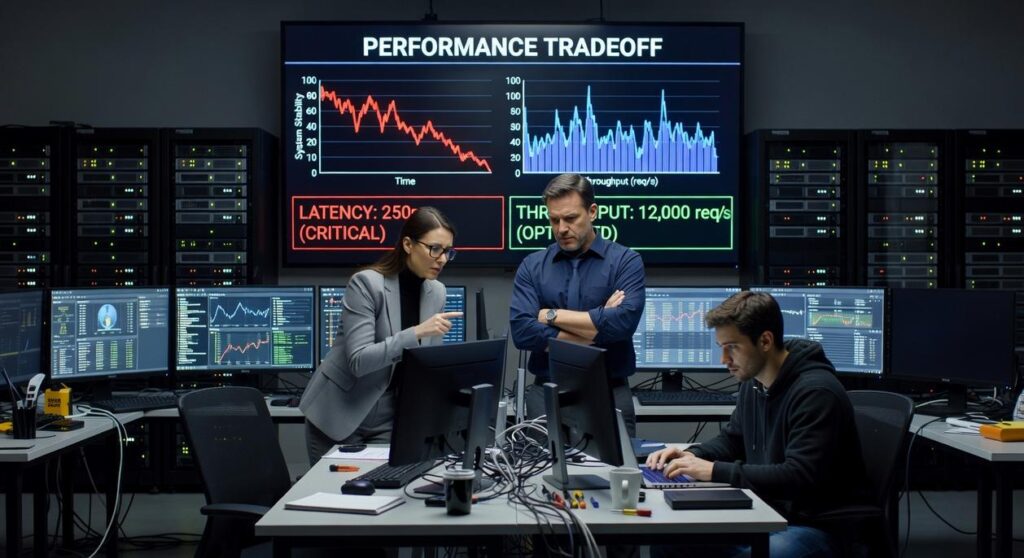
Every gamer eventually faces the ultimate trade-off: do you prioritize silky-smooth performance or jaw-dropping visual fidelity? Tweaking your settings can mean the difference between a competitive edge and a cinematic masterpiece—but choosing wrong can leave you with stutters, input lag, or muddy visuals. This guide breaks down the frame rate vs resolution comparison, explaining how each impacts responsiveness, clarity, and overall immersion. We’ve tested performance across multiple hardware setups and analyzed real gameplay benchmarks to give you practical, experience-backed insights. By the end, you’ll know exactly how to tune your system for the perfect balance between smooth gameplay and stunning visuals.
Understanding the Core Metrics: Pixels vs. Pictures Per Second
When choosing gaming settings, you’re often balancing two heavyweights: resolution and frame rate. Let’s break them down side by side.
What Is Resolution?
Resolution refers to the number of pixels (tiny dots of light) displayed on your screen. Common examples include 1080p (Full HD), 1440p (Quad HD), and 4K (Ultra HD). Think of resolution like a digital canvas—more pixels mean a more detailed painting. A 4K display simply has more “paint dots” than 1080p, allowing finer textures, sharper edges, and clearer distant objects.
Higher resolution improves:
- Texture detail
- Image sharpness
- Environmental immersion
It also reduces aliasing (jagged edges on diagonal lines), making objects look smoother. However, pushing more pixels demands more from your hardware.
What Is Frame Rate (FPS)?
Frame rate, measured in frames per second (FPS), is how many individual images your system displays each second. Imagine flipping through a flipbook: the faster you flip, the smoother the animation. At 30 FPS, motion can feel cinematic. At 60 FPS and beyond, movement feels fluid and responsive.
Higher FPS improves:
- Motion smoothness
- Input responsiveness
- Reaction timing in fast-paced games
This is why competitive players often prioritize FPS over visual fidelity.
Resolution vs Performance: A Practical Comparison
In a classic frame rate vs resolution comparison, higher resolution delivers visual clarity, while higher frame rate delivers smoother gameplay. If you love cinematic open-world adventures, resolution may win. If you play fast shooters, FPS often matters more.
Still, some argue visuals should always come first. Yet responsiveness directly affects gameplay performance—especially when milliseconds count. And remember, factors like storage also matter; see how storage speed impacts load times on modern consoles.
Ultimately, the right balance depends on what you value: breathtaking detail or buttery-smooth motion.
The Performance Trade-Off: Your GPU’s Balancing Act

Every visual upgrade in a game comes at a cost. And when it comes to performance, resolution is the biggest spender in the room.
Here’s why. Resolution refers to the number of pixels your GPU (Graphics Processing Unit, the component that renders images) must draw every single frame. 1080p pushes about 2 million pixels. 1440p jumps to roughly 3.7 million. 4K? Over 8.3 million pixels. That’s more than four times the workload of 1080p. Each pixel needs lighting, texture data, shadows, and post-processing. Multiply that by 60 or 120 frames per second and you’ll see why GPUs start sweating (figuratively… hopefully).
However, resolution isn’t the only demand. Frame rate—the number of frames displayed per second—leans heavily on both the GPU and the CPU (Central Processing Unit, which handles calculations like AI behavior and physics). If you’re targeting 120 FPS, your CPU must prepare game logic twice as fast as it would for 60 FPS, while the GPU renders twice as many frames. It’s a synchronized dance.
This is where the frame rate vs resolution comparison becomes critical. Many competitors focus only on GPU benchmarks, but overlook how CPU limitations quietly cap high-FPS performance.
That brings us to bottlenecks. A bottleneck happens when one component limits another—like pairing a top-tier GPU with an entry-level CPU. Even if your graphics card can handle 4K, a weak CPU may prevent higher frame rates. Pro tip: balance your build based on your target settings, not just the flashiest part.
Which Matters More? A Genre-by-Genre Breakdown
Let’s be honest—nothing’s more frustrating than tweaking settings for 30 minutes only to end up with a blurry mess or a stuttering slideshow. The whole frame rate vs resolution comparison debate usually starts after that exact moment.
First, for competitive shooters and fighting games like Valorant or Street Fighter, prioritize FPS (frames per second, or how many images your screen displays each second). Higher FPS—think 120+—means smoother motion and faster visual feedback. In twitch-based games where milliseconds matter, that smoothness can translate into real reaction-time gains (studies show higher refresh rates improve target tracking accuracy, NVIDIA). Resolution—the number of pixels on screen—takes a back seat here. Crisp textures don’t help if you’re losing gunfights.
On the other hand, cinematic RPGs like The Witcher 3 or Baldur’s Gate 3 are built for immersion. Here, higher resolution enhances environmental detail, lighting, and UI clarity. A stable 60 FPS at 1440p or 4K often feels better than 120 FPS at 1080p. After all, you’re exploring, not speed-running (usually).
Meanwhile, racing and sports sims demand balance. High FPS amplifies speed sensation and responsiveness, but resolution helps you spot distant apexes or teammates. Target 60–120 FPS at high resolution for the sweet spot.
Finally, strategy and simulation games like Civilization VI prioritize clarity over reflexes. You need readable text and detailed maps. A steady 60 FPS is plenty.
Pro tip: Lock your FPS to your monitor’s refresh rate to avoid screen tearing—and save yourself another settings headache.
Optimizing Your Setup: Finding the Sweet Spot
For most PC gamers, 1440p at 120Hz+ hits the sweet spot. You get sharper visuals than 1080p, yet far better performance than 4K. In a frame rate vs resolution comparison, 1440p often wins because it balances clarity and smoothness without demanding a top-tier GPU.
On the other hand, 4K dazzles in screenshots, while 1080p excels in competitive speed. Meanwhile, technologies like DLSS and FSR render at lower resolutions, then use AI upscaling to deliver near-native quality with a serious FPS boost (it’s basically a graphics glow-up).
Consoles mirror this choice: Performance mode favors FPS; Quality mode favors resolution.
Build Your Perfect Setup
You came here to settle the frame rate vs resolution comparison—and now you know the real answer depends on your playstyle. If lag costs you wins or blurry visuals break immersion, it’s time to act. Identify your priority, tweak your settings, and optimize your hardware today. Thousands of competitive and casual gamers already fine-tune for peak performance—now it’s your turn.