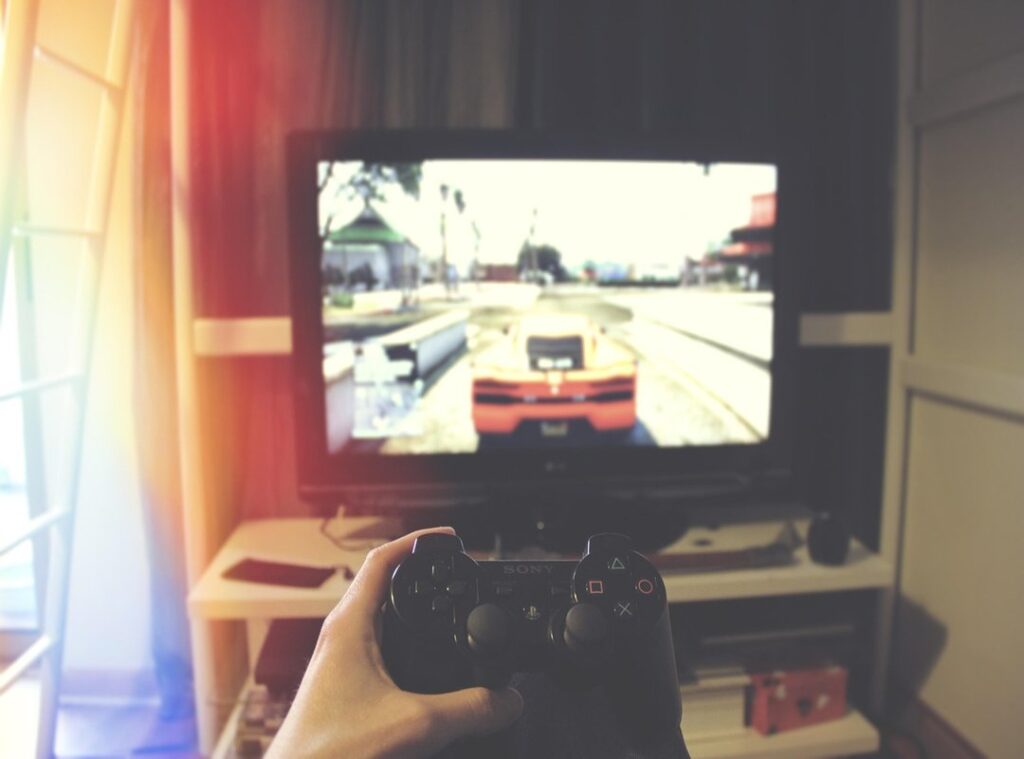

Ever lost a crucial multiplayer match because of an imprecise movement or a missed shot? It’s frustrating, right? You might think it’s all about your skill.
But here’s the thing: often, it’s not you. It’s your setup.
Your controller and physical setup can be the real culprits. Why Your Gaming Setup Is Holding You Back is here to help. I’ll guide you through fine-tuning every aspect of your stick-based controller for maximum precision and consistency.
This isn’t just generic advice. We’re diving deep into the mechanics of how controllers interact with both the player and the game. By optimizing these settings, you can achieve faster reaction times, better aim, and more fluid movement in any game.
So, are you ready to take your gaming to the next level? Let’s get started.
Mastering Your Physical Space: The Ergonomic Edge
Good posture and seating position are key. They reduce fatigue and improve focus during long gaming sessions. Trust me, your back will thank you.
Monitor Distance and Height
– Distance: Keep your monitor about an arm’s length away.
– Height: Position the top of the screen at or slightly below eye level.
This setup helps with target acquisition and reduces eye strain. You’ll see better and aim more accurately. It’s a small change that makes a big difference.
Hand and Wrist Positioning
– Claw Grip: Fingers are arched over the buttons. Pros: Quick access to face buttons. Cons: Can be tiring for long sessions.
– Standard Grip: Fingers rest naturally on the controller.
Pros: More comfortable, and cons: Slower access to face buttons.
Find what feels best for you. Comfort is key, especially in those marathon gaming sessions.
Muscle Memory and Consistency
Consistent physical setup is crucial. It helps build muscle memory, which is essential for quick, precise movements. When your setup is the same every time, your body knows exactly what to do without thinking.
Quick Checklist for Ergonomic Setup
– Is your chair supporting your back?
– Are your feet flat on the floor?
– Is your monitor at the right height and distance?
– Are your hands and wrists in a comfortable position?
Audit your setup and make adjustments. Small tweaks can lead to big improvements in your gaming performance.
Hardware Deep Dive: Unlocking Your Controller’s Potential
Let’s talk about thumbstick extenders, like kontrolfreeks. They increase the stick’s range of motion, giving you finer aim adjustments. This can be a game-changer, especially in shooters where precision is key.
What about stick tension? It’s all about how tight or loose the sticks feel. Aftermarket or pro controllers let you customize this.
Tighter for aim, looser for movement. It’s a personal preference, but it can make a huge difference in your gameplay.
Back paddles or buttons on controllers, and they’re a strategic advantage. You can jump or slide without taking your thumb off the stick.
This means you can keep your focus on aiming and moving, which is crucial in fast-paced games.
Stock vs. performance thumb grips. The texture and shape of these grips can prevent slippage. A good grip means you won’t lose control when things get intense.
It’s a small detail, but it can have a big impact.
Pro Tip: Don’t forget to maintain your controller. Cleaning the analog stick modules regularly can prevent drift and ensure smooth operation. It’s a simple step that can save you from a lot of frustration.
For more tips and in-depth reviews, check out Lcfgamestick.
In-Game Settings Demystified: From Deadzones to Sensitivity Curves

Let’s talk about deadzones. It’s the small area around the stick’s center where movement isn’t registered. Finding the lowest possible setting without introducing stick drift is key.
You want it low enough to be responsive but not so low that your character starts moonwalking.
Now, look sensitivity (X/Y axis) and ADS (Aim Down Sights) sensitivity. These are like the salt and pepper of your gaming setup. Too much or too little can ruin the whole dish.
Start with a baseline and tweak it up or down. Find your sweet spot by playing a few rounds and adjusting as needed.
Different response curve types, and let’s break it down. Linear feels like a straight line—consistent and predictable.
Exponential starts slow and gets faster, great for quick flicks. Dynamic changes based on how hard you push the stick. Which one is better?
Depends on your playstyle. Try them all and see what sticks (pun intended).
Aim acceleration settings, and what do they do? They make your aim speed up or slow down based on how long you hold the stick.
Most competitive players turn this off, and why? Predictability.
You want your aim to feel like a well-oiled machine, not a bouncy ball.
Here’s a simple drill to test and refine your new settings. Go to a practice range and set up some targets. Start with stationary ones, then move to moving targets.
Adjust your settings, and repeat. It’s like a dance, but with less rhythm and more precision.
Remember, finding the perfect settings is a journey, not a destination. And if you ever get frustrated, just think of it as a game in itself. Happy tweaking!
Your Blueprint for Consistent Performance
The three core pillars of optimization covered in the article are physical ergonomics, hardware modifications, and in-game software settings. These elements work together to transform your gaming experience from inconsistent and frustrating to one of complete control and predictable performance.
Remember, this is a process of small, incremental adjustments, not a one-time fix. Each tweak builds on the last, gradually improving your setup.
Challenge yourself to pick one area, such as deadzone settings, and spend 15 minutes tonight dialing it in using the methods described. onlykaymanuel porn
Taking control of your setup is the first step to unlocking your true gaming potential.
 Founder & CEO
There is a specific skill involved in explaining something clearly — one that is completely separate from actually knowing the subject. Kaelith Eldwain has both. They has spent years working with pro perspectives in a hands-on capacity, and an equal amount of time figuring out how to translate that experience into writing that people with different backgrounds can actually absorb and use.
Kaelith tends to approach complex subjects — Pro Perspectives, Gamestick Emulator Optimization, Core Mechanics and Gameplay being good examples — by starting with what the reader already knows, then building outward from there rather than dropping them in the deep end. It sounds like a small thing. In practice it makes a significant difference in whether someone finishes the article or abandons it halfway through. They is also good at knowing when to stop — a surprisingly underrated skill. Some writers bury useful information under so many caveats and qualifications that the point disappears. Kaelith knows where the point is and gets there without too many detours.
The practical effect of all this is that people who read Kaelith's work tend to come away actually capable of doing something with it. Not just vaguely informed — actually capable. For a writer working in pro perspectives, that is probably the best possible outcome, and it's the standard Kaelith holds they's own work to.
Founder & CEO
There is a specific skill involved in explaining something clearly — one that is completely separate from actually knowing the subject. Kaelith Eldwain has both. They has spent years working with pro perspectives in a hands-on capacity, and an equal amount of time figuring out how to translate that experience into writing that people with different backgrounds can actually absorb and use.
Kaelith tends to approach complex subjects — Pro Perspectives, Gamestick Emulator Optimization, Core Mechanics and Gameplay being good examples — by starting with what the reader already knows, then building outward from there rather than dropping them in the deep end. It sounds like a small thing. In practice it makes a significant difference in whether someone finishes the article or abandons it halfway through. They is also good at knowing when to stop — a surprisingly underrated skill. Some writers bury useful information under so many caveats and qualifications that the point disappears. Kaelith knows where the point is and gets there without too many detours.
The practical effect of all this is that people who read Kaelith's work tend to come away actually capable of doing something with it. Not just vaguely informed — actually capable. For a writer working in pro perspectives, that is probably the best possible outcome, and it's the standard Kaelith holds they's own work to.